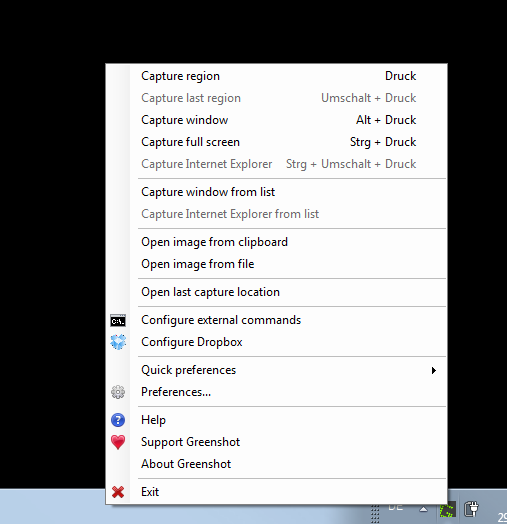
 Greenshot – Greenshot is the most awesome tool for making screenshots you can get on your Windows PC. Greenshot is completely free and open-source! Greenshot is a lightweight screenshot software tool for Windows. Quickly create screenshots of a selected region, window, or fullscreen; you can even capture complete (scrolling) web pages from Internet Explorer. Easily annotate, highlight or obfuscate parts of the screenshot. Export the screenshot in various ways: save to file, send to the printer, copy to clipboard, attach to e-mail, send Office programs or upload to photo sites like Flickr or Picasa, and others.

PicPick – All-in-one design tool for everyone. A full-featured screen capture tool, Intuitive image editor, color picker, color palette, pixel-ruler, protractor, crosshair, whiteboard, and more. User friendly and full of features for creating your image, Suitable for software developers, graphic designers, and home users. Capture anything. Take screenshots of an entire screen, an active window, the scrolling windows, and any specific region of your desktop, etc. Edit your images. Annotate and highlight your images: text, arrows, shapes, and more with the built-in image editor that includes the latest Ribbon style menu. Enhance with effects. Easily add effects to your images: drop shadows, frames, watermarks, mosaic, motion blur, brightness control, and more. Share everywhere. Save, share, or send your images via Web, email, FTP, Dropbox, Google Drive, SkyDrive, Box, Evernote, Facebook, Twitter, and more.
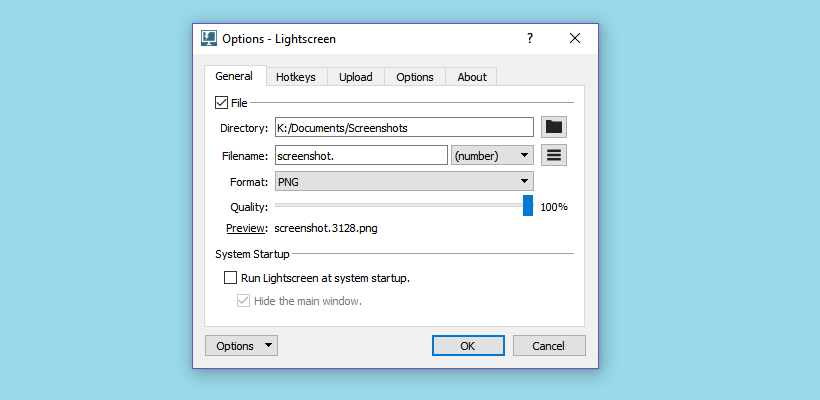 Lightscreen – The easy screenshot tool. Lightscreen is a simple tool to automate the tedious process of saving and cataloging screenshots, it operates as a hidden background process that is invoked with one (or multiple) hotkeys and then saves a screenshot file to disk according to the user’s preferences. Extremely configurable. Use only the hotkeys, get previews of your screenshots, upload all of them automatically and more. Snap what you need. You can resize and readjust the area of the screen you wish to capture for maximum flexibility. Organized. Using an automatic naming system, number your screenshots sequentially or use the date and time.
 Lightshot – The fastest way to take a customizable screenshot. Fast screenshot of selected area. The app allows you to select any area on your desktop and take its screenshot with 2 button-clicks. Easy-to-use application. Simple and intuitive user interface makes your work with the app easier and faster. Share screenshots via Internet. Upload your screenshot to the server and get its short link right away. Powerful editors. You can edit screenshots instantly when taking them or later using a powerful online editor. Similar image search. Find similar images. Select any image on your screen and find dozens similar images.